
In 2026, the city added an online portal allowing property taxpayers to view their own tax bill. To view your bill visit the city’s website: https://burlington-czp.cstpt.com/TXC/index.html
Halton Region has an easy-to-use tax bill estimator that breaks down taxes by city, region, education, and police https://www.halton.ca/the-region/finance-and-transparency/property-taxes/halton-region-property-tax-estimator
To view tax information for any property in the City of Burlington, follow the instructions here.
There are a few steps in this process. This article was written on March 3th, 2025, and the city’s website may have changed since then. If you have trouble following these instructions, comment below, and we’ll look into it.
The first step is to create an account if you don’t have one already.
Click on this link:
Property Tax Assessment Online Tool: Disclaimer
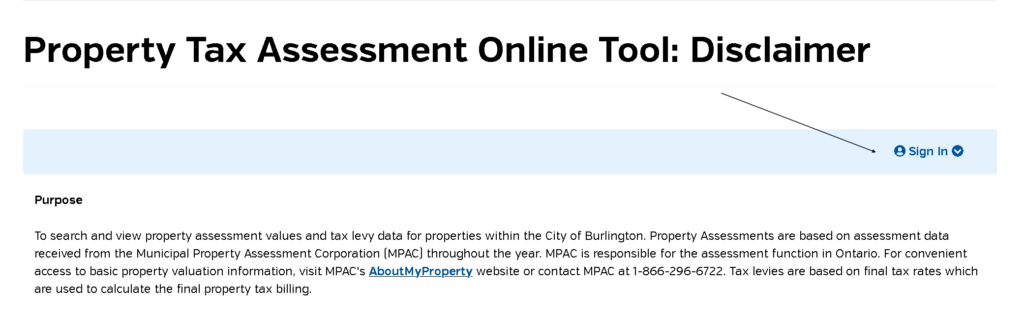
Use the sign-in option (pointed to by the arrow) to sign in or create an account.
After creating your account, click on this link again to get back to the online tool.
Property Tax Assessment Online Tool: Disclaimer
Make sure that you’re signed in and press the next button at the bottom right of the page.
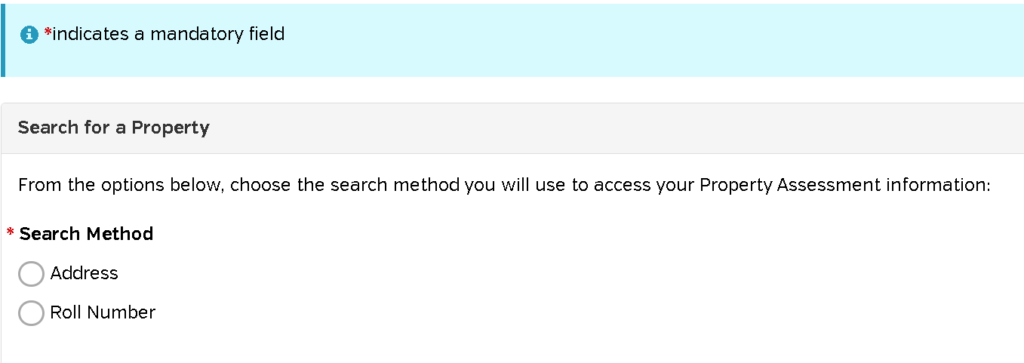
Search by address: enter your address, or the address of a property you want to look up. Press search, then press select. You’ll see summary property tax information for the property you searched for.
Discover more from Focus Burlington
Subscribe to get the latest posts sent to your email.